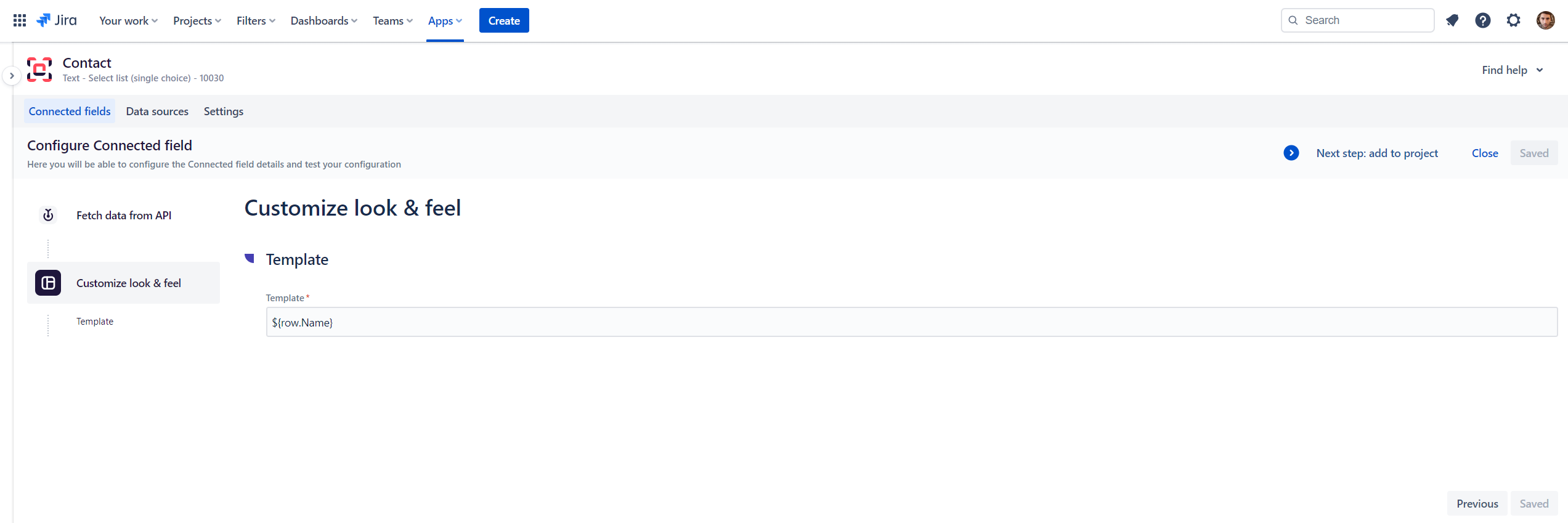
For both custom field types, once you save the configuration, you will be offered to add it to a project.
There is a big difference here between Connect custom fields and Connected items:
-
Custom fields are directly associated to Jira screens, handled by Jira global administrators
-
Connected items are associated to issue/request types directly in projects, handled by Jira project administrators
On the top right of the screen, click on "Next steps: add to project"
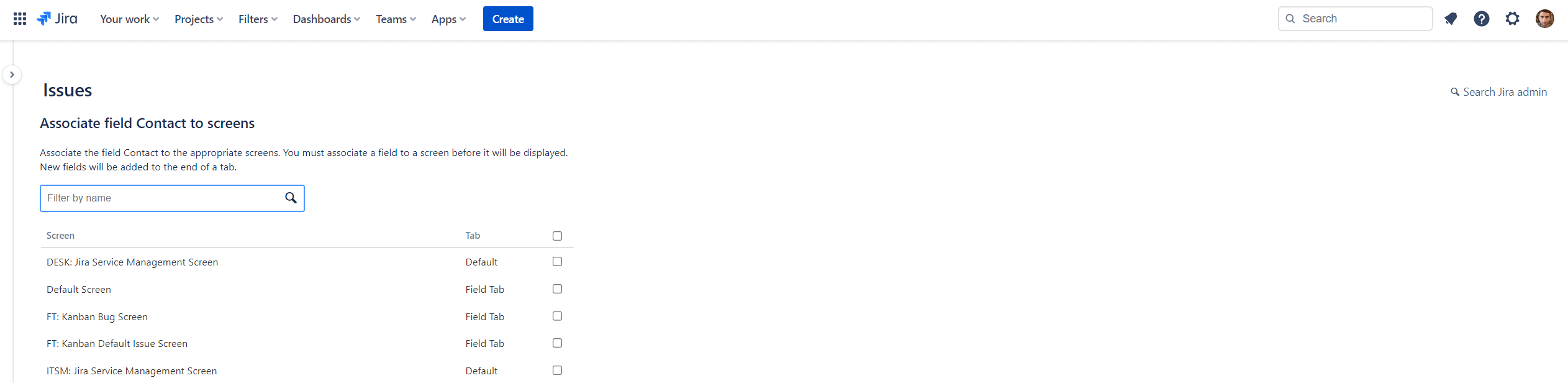
You will be redirected to the global admin well-known page: Associate field to screens