
What’s in this page
As an Elements Connect administrator you may be wondering:
-
How large is my setup?
-
How active is my instance?
-
Is my current edition the right fit?
The Usage tab
In Elements Connect application, you can access the Edition Status tab.
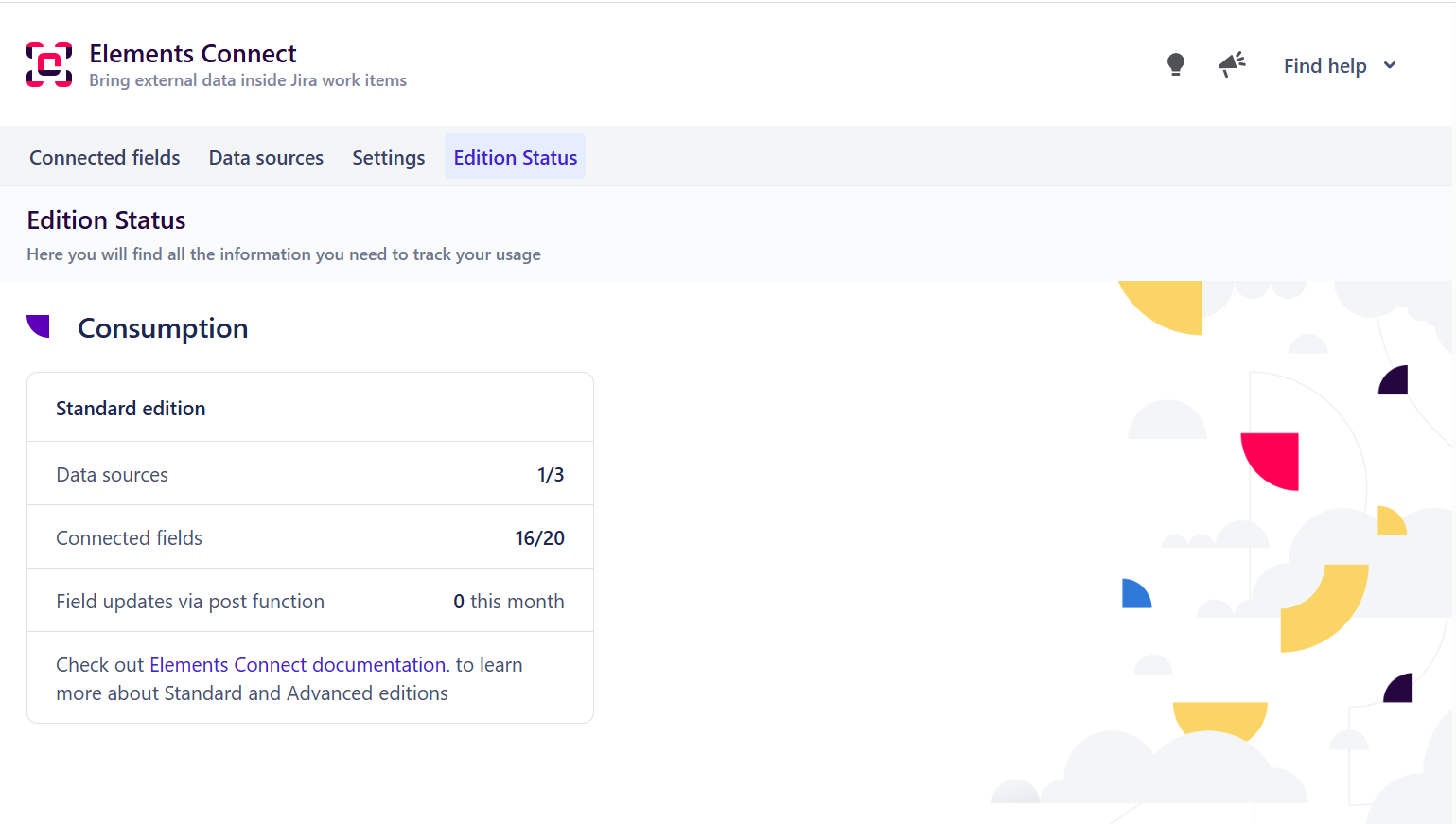
In this tab, you will find the following information:
-
Edition
Your current Elements Connect edition should it be Standard or Advanced. -
Data sources
Here you’ll see:-
the number of data sources you have (used + not used)
-
the maximum number of data sources you can create with regards to your edition (Standard or Advanced).
-
-
Connected fields
Here you’ll see:-
the number of connected fields you have (active + not used)
-
the maximum number of connected fields you can create with regards to your edition (Standard or Advanced).
-
-
Field updates via post function
Here you’ll see the number of connected fields that have been successfully updated by an Elements Connect post-function. Counter resets at the beginning of the (calendar) month.
For more information about Advanced edition extended capabilities, check the App editions page in the documentation here.