
A data source is an external location, typically a database, a remote web/cloud service or another Jira project, from which data can be retrieved by Elements Connect and then used to populate connected custom fields in Jira.
The first step in configuring the app is to select the type of data source you want to retrieve data from.
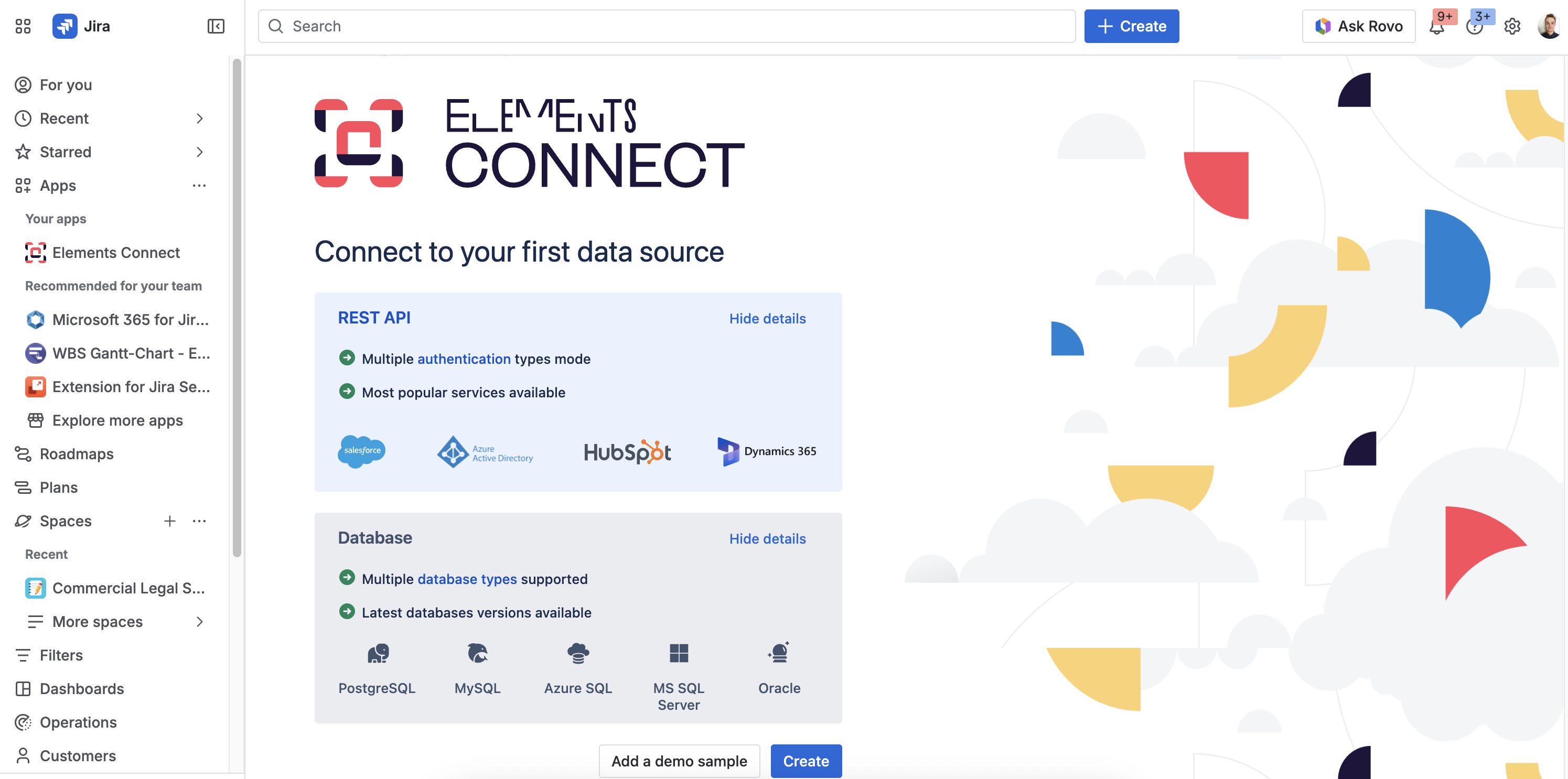
Supported data sources
We support 2 types of data sources:
-
REST APIs - with multiple authentication modes (OAuth 2.0, Basic, API key/token). This includes any CRMs like Salesforce and HubSpot, identity providers like Azure AD and Okta, and another Jira project via the Jira REST API.
-
Databases - PostgreSQL, MySQL, Azure SQL, MS SQL Server, Oracle
Security
For your data sources, we recommend using a dedicated user account with read-only access, scoped to the minimum resources needed.
Elements Connect only reads data from external sources, it never writes back to them, so limiting permissions to read-only maintains full app functionality while significantly reducing risk.
Cache system
You can learn more about how caching data works in Elements Connect through a dedicated page: How does cache / caching data works in Elements Connect?
Limitations
Check the App editions page for more information about the maximum number of data sources you can leverage.
What's next?
Continue setting up your data source:
-
Configure a REST API data source: connect to CRMs, identity providers, or other Jira instances
-
Configure a database data source: connect to PostgreSQL, MySQL, SQL Server, Oracle, or Azure SQL
-
Connected fields configuration: display your data source values in Jira issues via connected custom fields