
In order to use the Simplified Migration App, data must follow a certain standard:
-
Custom fields must be identified in a unique way
--> single and multi field must be dissociated -
Storage format must be JSON
--> old custom field storing data as XML must be converted
Follow the next steps to see if you need to adapt your configuration.
Please note that none of these operations will affect your data or configuration.
Single vs Multi custom field
In Elements Connect DC, under Migration tab, you can check the number of single & multi fields impacted by this transformation.
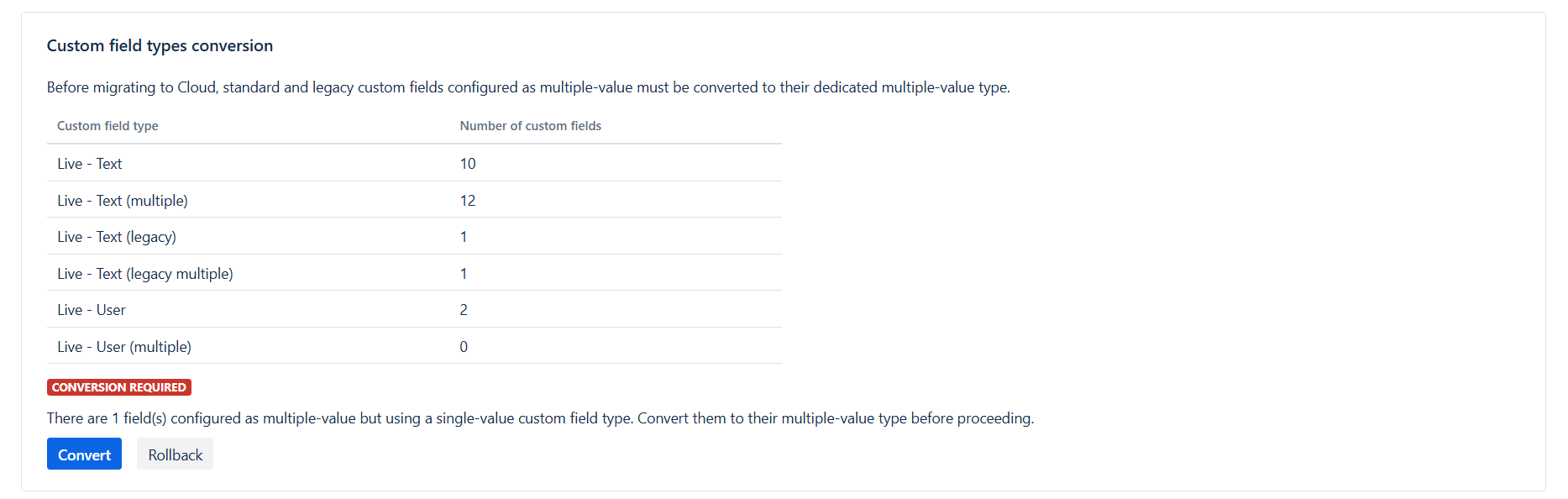
If conversion is required (see image above), click on convert.
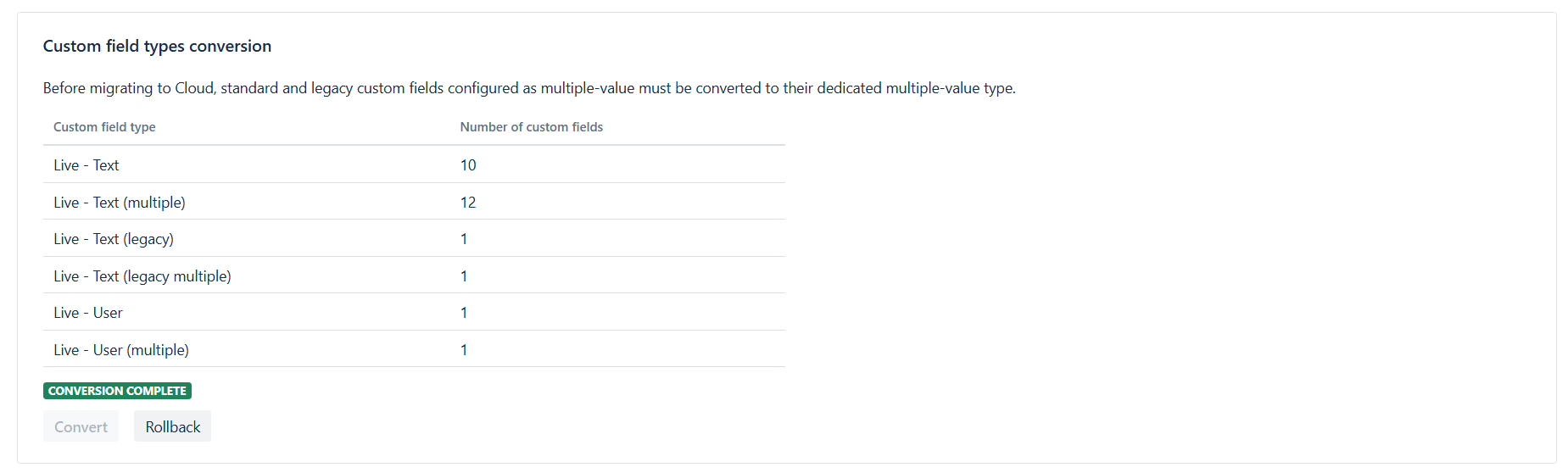
Check that the conversion is completed before going any further.
XML to JSON
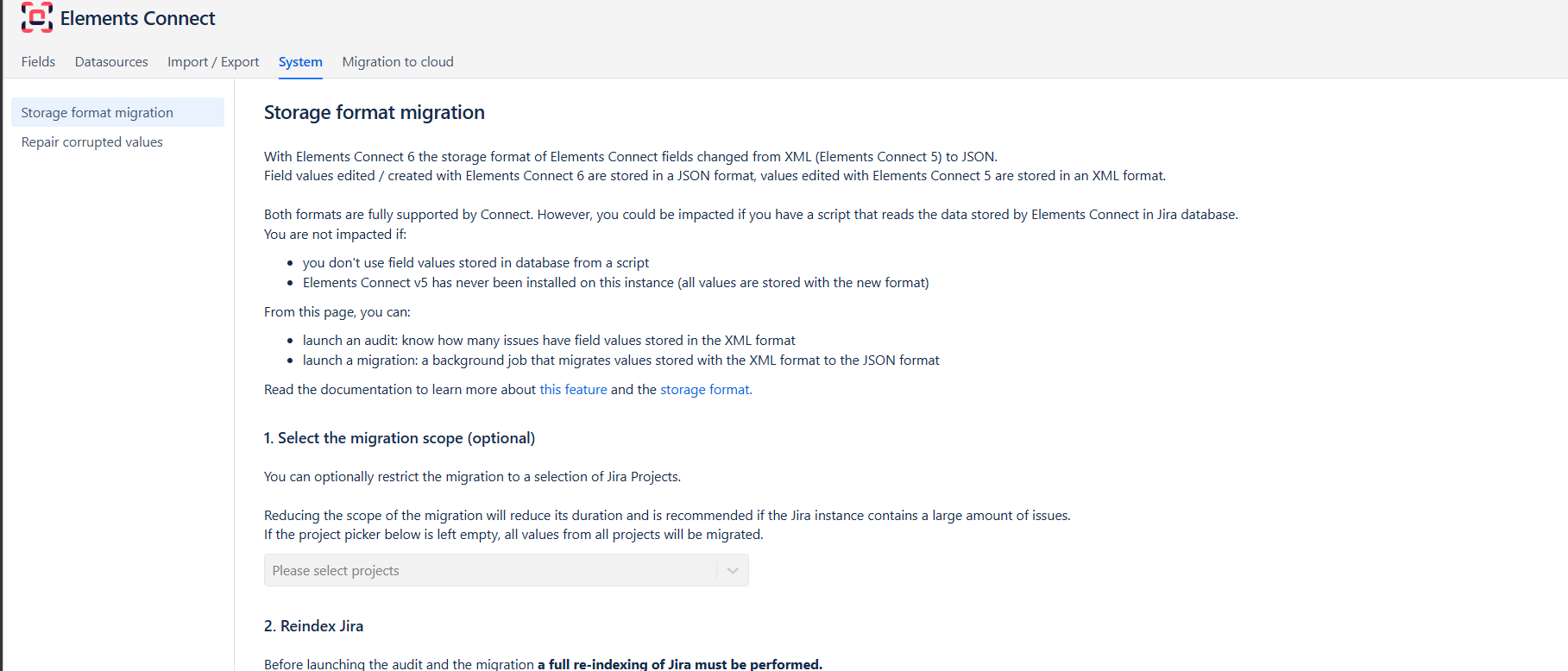
With Elements Connect DC 6, storage format changed from XML to JSON. So, if you think you may have some of those XML custom fields
In Elements Connect DC, under System >> Storage format migration
-
Launch audit
to identify the potential fields relying on XML storage format. -
Convert
if you have any XML-based custom field
Once this phase is completed, you can start your migration: 2. Run the migration in Jira - JCMA