
Main Steps of Migration

 Our migration tool perimeter
As shown in the above workflow and below table, our Migration tool will NOT migrate Elements Connect custom fields configuration.
This action will need to be done via the “Migration” tab on Elements Connect Cloud during step 3.
|
|
Migration tool perimeter |
|---|---|
|
Elements Connect Custom field creation |
|
|
Elements Connect Custom field configuration |
|
|
Elements Connect Custom field values migration |
|
If a project contains values for an Elements Connect custom field but this field is not on a screen of this project ==> Custom field values will NOT be migrated
Archived projects values and archived issues values will not be migrated.
This support could be implemented in the future if there is strong demand from customers.
So please don’t hesitate to reach out to our Support team if you have this need.
⚠️ Important prerequisites
Be sure both Elements Connect Cloud app and Elements Connect Cloud - Helper app are installed on your target Jira Cloud site and that both apps are up-to-date.
Be sure you have marked Elements Connect to “Needed in Cloud” on Jira Data Center App assessment.
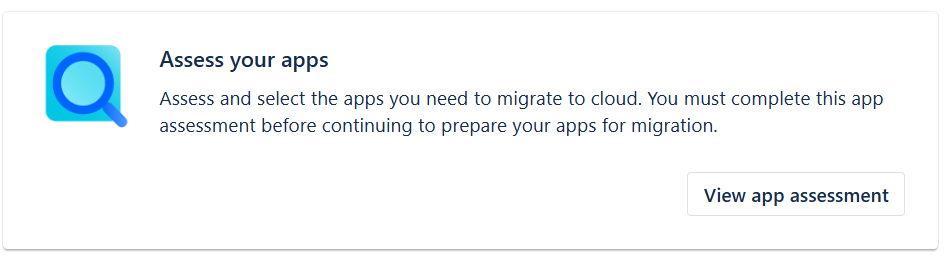

In order Elements Connect custom fields to be correctly migrated, Elements Connect app must be part of the JCMA migration (even with low number of projects selected in Step 1) when projects are migrated to Cloud.
If it is not the case, Elements Connect fields will not be created on target Cloud site and no value will be migrated.
Two conditions must both be met for a field to appear in Cloud:
-
the app is included in the migration scope
-
the field has at least one value in a migrated project
The below is a detailed and complete migration path that can fit all use cases.
We advise you to check it thoroughly while preparing for your migration.
You can check our step-by-step on how to migrate Elements Connect with JCMA: https://www.youtube.com/watch?v=csdH1thtUc4&utm_source=elements-apps&utm_medium=documentation&utm_campaign=Migration_path&utm_vendorID=4952