
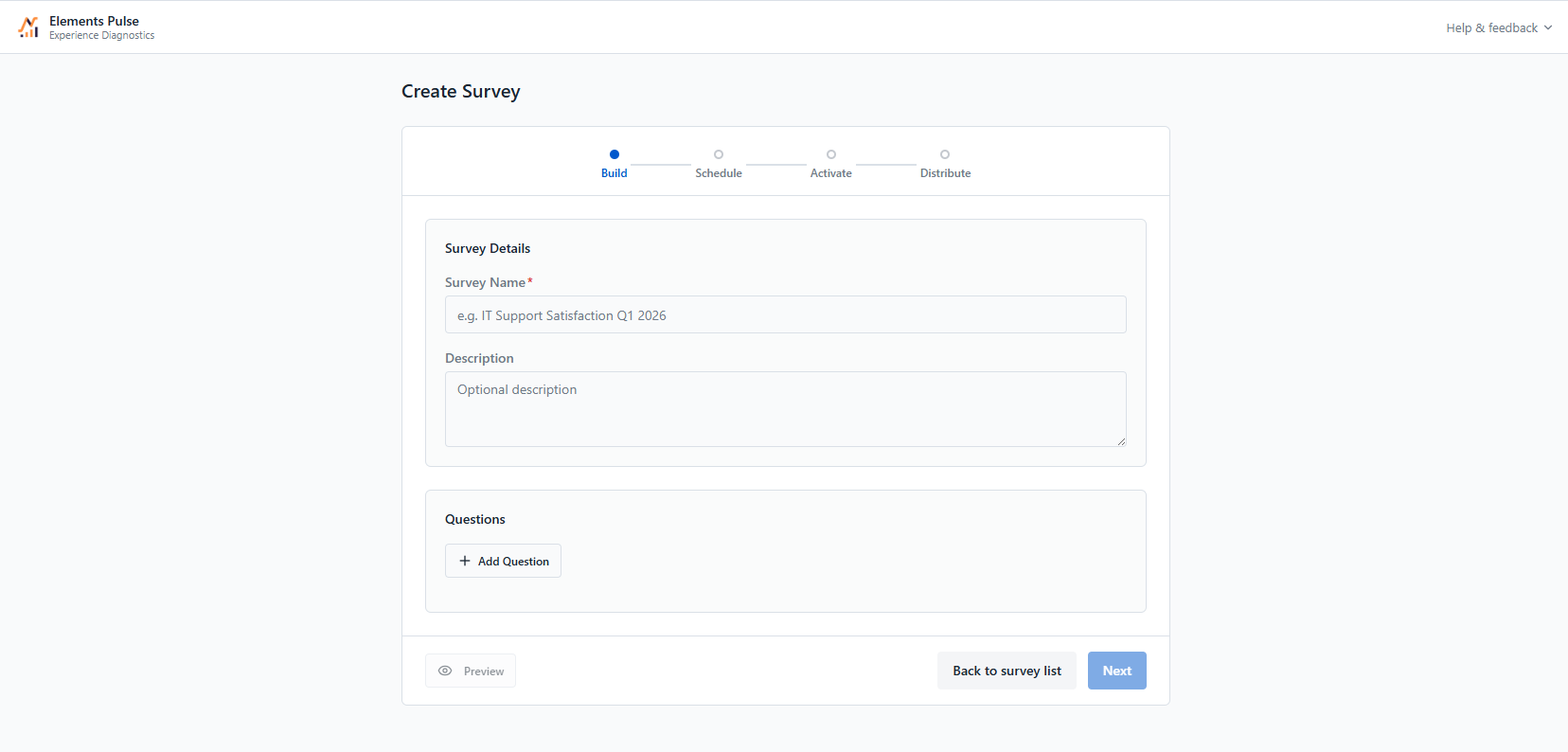
Start by giving your survey a name (required) and an optional description to help your team identify its purpose.
Then add your questions using the Question Gallery. Two categories of question types are available:
Standard Metrics
-
CSAT — Customer satisfaction on a 1–5 scale
-
NPS — Net Promoter Score on a 0–10 scale
-
CES — Customer effort on a 1–7 scale
Custom Questions
-
Rating Scale — Collect numerical feedback on a 1–5 or 1–10 scale
-
Open Text — Free-form text response from users
You can combine multiple question types within a single survey. Use the Preview button at any time to see how your survey will appear to respondents.
Next step: Step 2 — Schedule