
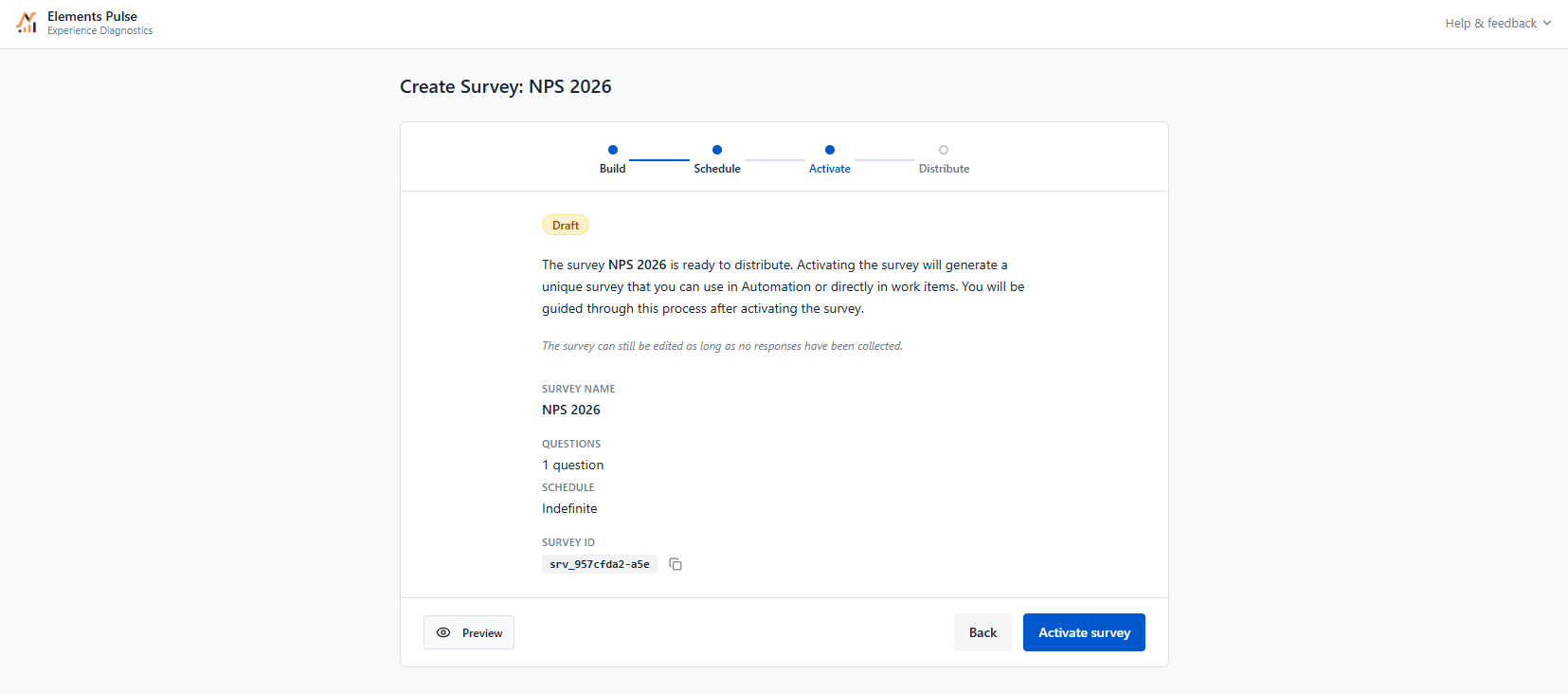
Before activating, review your survey summary: name, number of questions and schedule.
The survey can still be edited at this stage as long as no responses have been collected.
Once your survey is ready, click Activate survey to make it usable.
Activating the survey:
-
Moves the survey from Draft to Active (or Scheduled, if a start date was set in the Schedule step).
-
Makes the survey available to select when setting up survey distribution in the next step.
Activating the survey does not send it to anyone. No responses will be collected until automation is configured in the next step.
Next step: Step 4 — Distribute