
What is a “Copy and synchronize Jira work items” recipe?
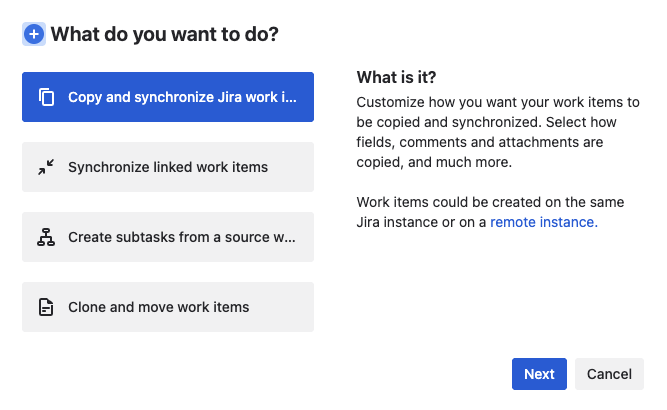
"Copy and synchronize Jira work items" recipes are highly customizable templates that Jira admins can configure to clone and/or synchronize work items across a wide range of use cases. Admins can create recipes and make them available to users directly from the relevant Jira work items.
The number of active recipes you can use depends on your App edition. For more details about available plans and features, please visit our App editions page.
Once a recipe has been created, it can be configured from the Copy & Sync administration page to automate many scenarios related to the copy and synchronization of Jira work items.
How to configure recipes
In the following pages, you will find the full explanation of the many configuration options available for our recipes.
Limitations
In order to offer the best possible performance to all our users, we have put a limit on how many times a given recipe can be triggered in a short amount of time.
This means that operations such as "Bulk issue import" in Jira are not fully compatible when used alongside Elements Copy & Sync. Do not hesitate to contact our Support if you need any further information on this topic.