
In the Source configuration tab, you can find the settings that let you define on which Jira work items your recipe will be available.
Source work items
Only work items which satisfy the criteria in this section can be copied by your recipe.
In other words, if an issue does not satisfy all these criteria, the recipe will not be available in the work item view : it will not be displayed, and you won't be able to use it to create a copy.
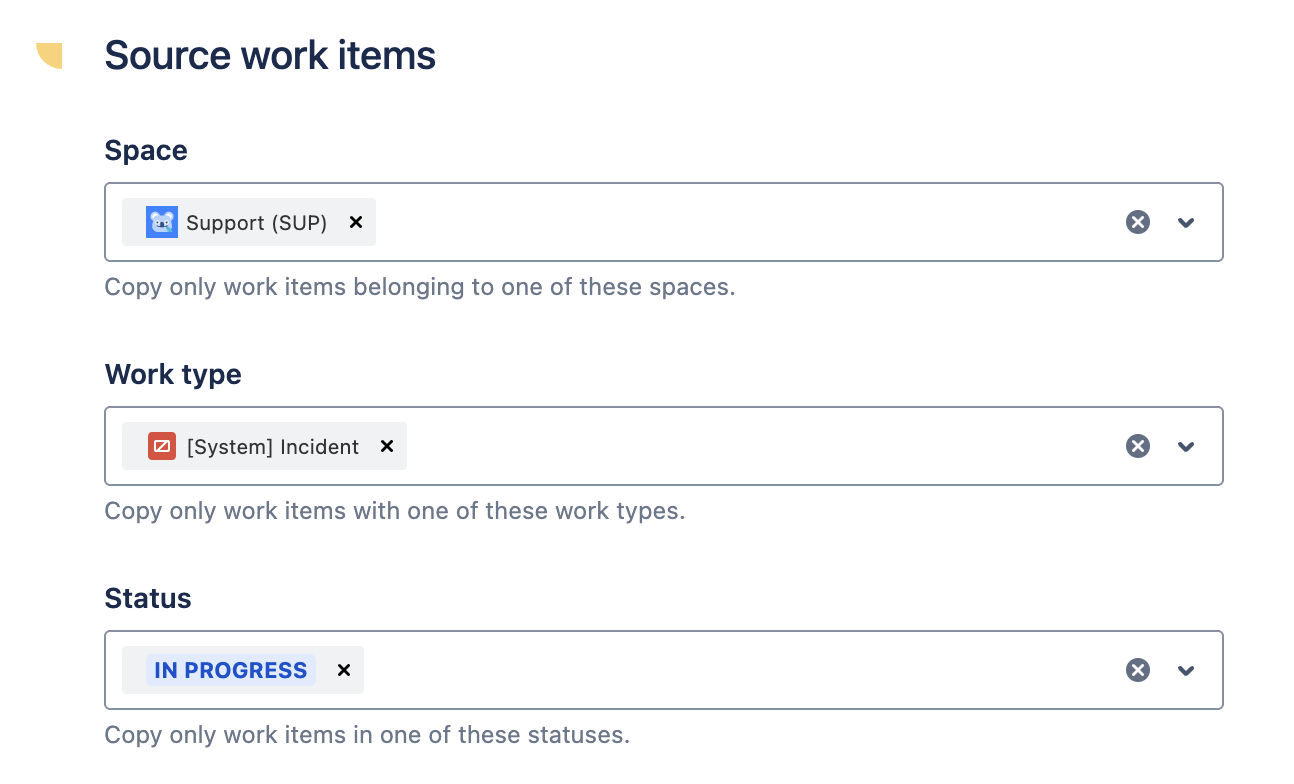
Space
Use this setting to restrict the space from which the recipe can copy work items.
If you select one or more spaces, the recipe can only copy work items belonging to one of these spaces. If you leave the field empty, the recipe can copy work items from all spaces on your Jira instance.
Work types
Use this setting to restrict the types of work items that the recipe can copy.
If you select one or more work types, the recipe can only copy work items from one of these types. If you leave the field empty, the recipe can copy issues from all types.
Status
Use this setting to restrict the current status of the work items that your recipe can copy.
If you select one or more statuses, the recipe can only copy work items currently in one of these statuses. If you leave the field empty, the recipe can copy work items in all statuses.
Additional filter
Use this field to write a JQL filter. The recipe can only copy work items which satisfy the filter, in addition to all the other criteria defined in this section.
Hierarchy
Choose if you want to copy only the source issue or the entire hierarchy tree. If you select "Copy full hierarchy", for example, if your source issue is an Initiative, it will copy all the issues of the hierarchy (except the subtasks that you will need to select in the Content section).
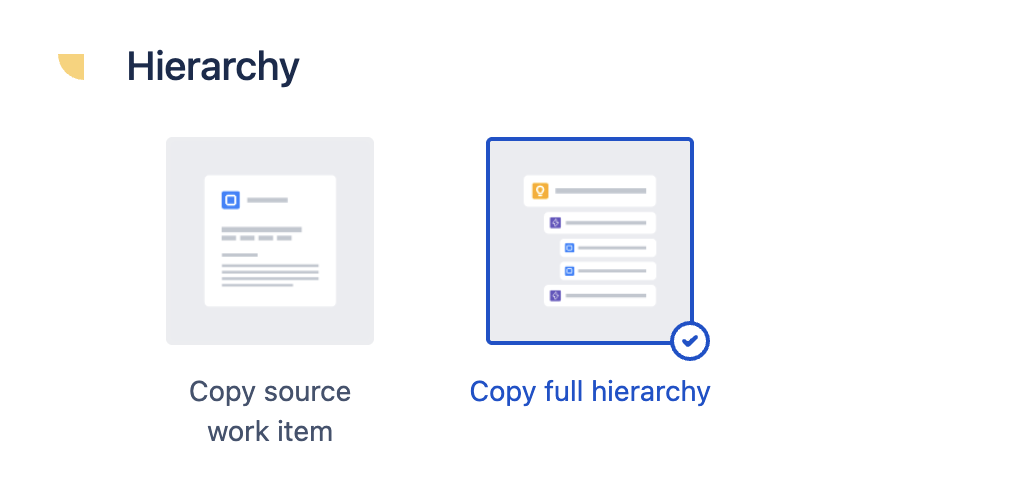
Important: Selecting work types for “Copy full hierarchy”
When configuring “Copy full hierarchy”, make sure that all work types from the hierarchy you want to copy are selected in your source settings.
If you limit the configuration to only certain work types (for example, only Epics and Stories), only those work items will be copied, and the rest of the hierarchy will be skipped.
If the option “Copy full hierarchy” is selected, the recipe configuration will be applied to all the issues of the hierarchy. For example, this means that if during Content settings you copy the value of a custom field in the Summary field, then when the hierarchy is copied the Summary of each issue of the new hierarchy will be the specific value of the custom field for this issue.
Configuration tester
The configuration tester can be used to check the filters set up in the "Source work items" section.
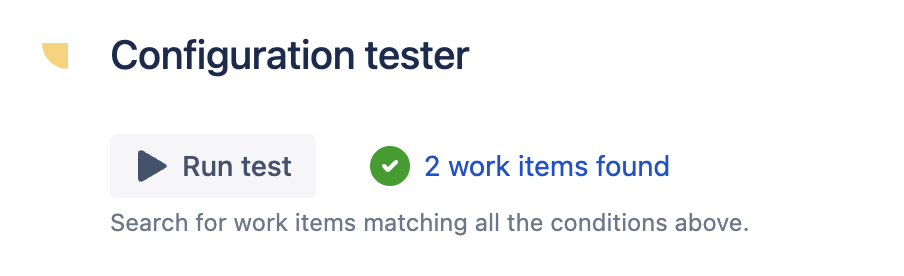
Clicking on the Run test button will trigger a Jira search which returns the exact list of work items where the recipe will be available. With this tool, you can quickly check if the set up in this tab has been properly done.